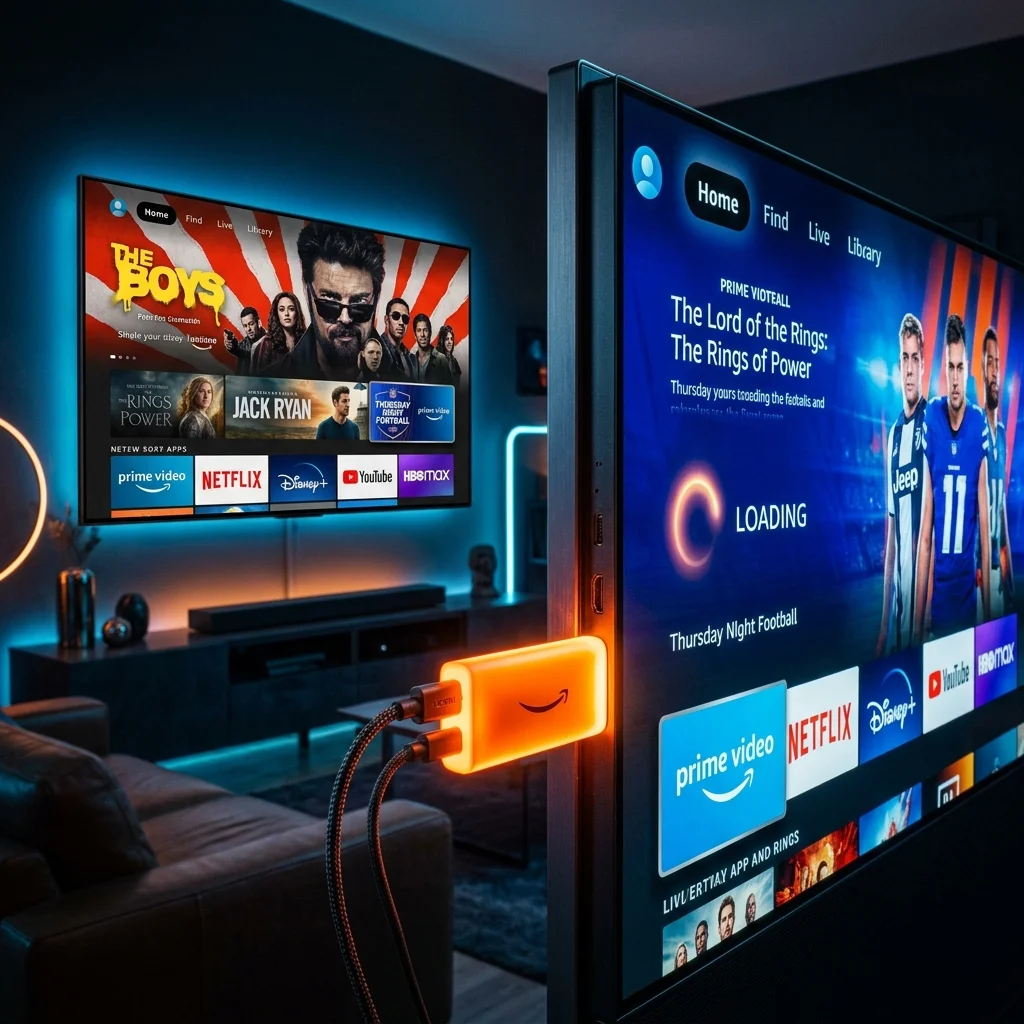
Amazon's Fire TV Stick is arguably the most popular streaming device globally, and it's also the best device for running premium IPTV services like Titanstreamtv.
Step 1: Enable Apps from Unknown Sources
Before installing any third-party IPTV player, you need to allow your Firestick to install apps outside the Amazon App Store.
- Go to Settings > My Fire TV.
- Select Developer Options.
- Turn ON Apps from Unknown Sources.
Step 2: Install the Downloader App
Since most IPTV players aren't in the official store, you'll need the "Downloader" app to sideload them.
- Go to the home screen and select the Search icon.
- Type Downloader and install it.
Step 3: Download IPTV Smarters Pro
Open Downloader and enter the URL for your preferred IPTV player. We highly recommend IPTV Smarters Pro or TiviMate.
Step 4: Enter Your Titanstreamtv Credentials
Once installed, open the app, select "Login with Xtream Codes API", and enter the Username, Password, and Portal URL you received in your Titanstreamtv welcome email.
Get Your IPTV Subscription Today